Early Access
Your podcast's
front door.
Sonoday pins a custom entry at the top of your RSS feed, visible in every podcast app on the planet. Give it a title, write in your links, add a cover image, and attach a short audio intro.
Sign up now to be first in line.
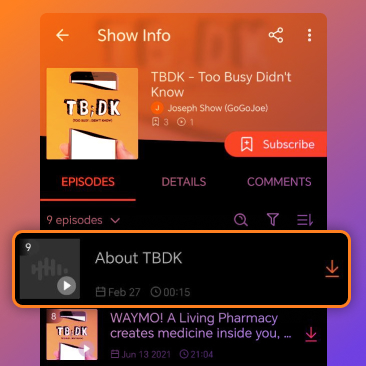
Here's what you get in beta.
Simple to set up. Everything you need to make an impression before your next episode drops.
Pinned to the top of every feed
Sonoday creates a special episode entry at the very top of your RSS feed. It shows up in Spotify, Apple Podcasts, Pocket Casts, any app that reads your feed.
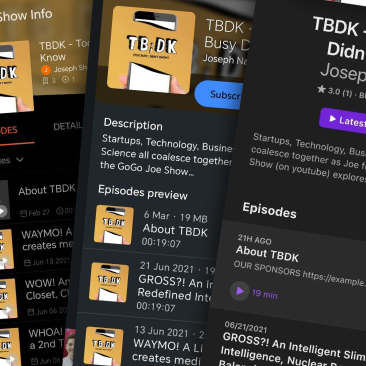
Write it your way, or use a template
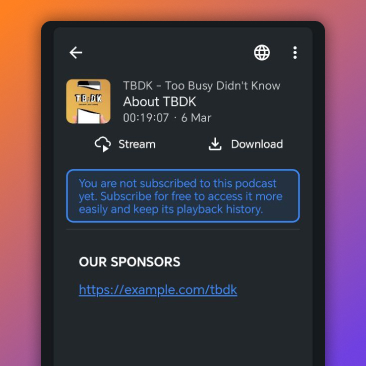
Set the title and drop everything your listeners need into the description: your sponsor links, your socials, links to merch, your newsletter... whatever matters most right now. Start from one of our pre-built templates or build it from scratch. Update it whenever you want.
A voice your listeners actually hear
Attach a short audio clip to your entry, a welcome message, a trailer, a quick sponsor read. Listeners can play it right inside their podcast app before they click through. A personal touch no regular linktree can offer.
Your brand, front and center
Upload a custom image for the entry, your show artwork, a sponsor graphic, a seasonal banner, whatever! It shows up in feed views the same way any episode cover would. Make it look intentional.
The parts of your Pinned Episode.
You control all of it.
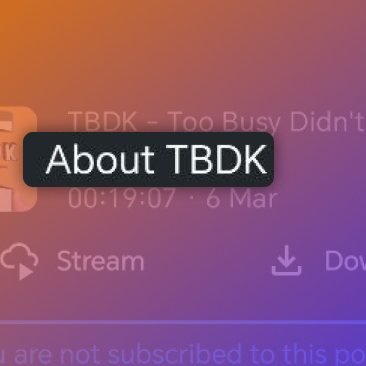
Entry Title
Name it whatever makes sense for your audience right now
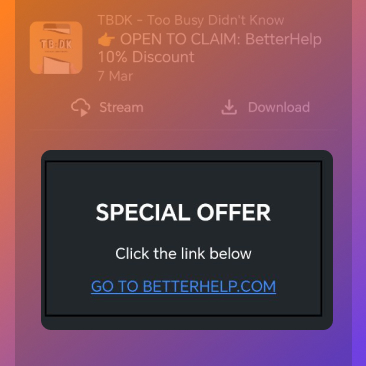
Description & Links
Sponsors, socials, merch — write your links right into the description
Cover Image
Upload your own artwork to match your show's brand
Audio Clip
A short intro, trailer, or sponsor read your listeners hear first
Templates
Start from a pre-built layout instead of a blank page
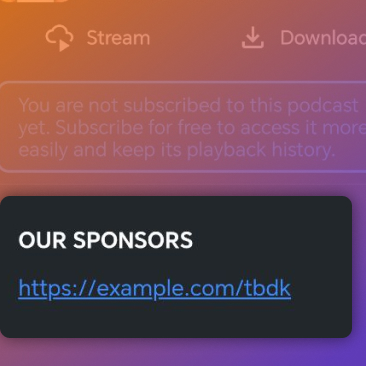
Your Sponsors
Add your own sponsor links and keep them current — platform sync is on the roadmap
"Sonoday simplified my connection to my audience and gave me agency over my feed."
— Joe Natoli, Podcaster, Independant